

trace_id and span_id from the active span context.
Don’t want to instrument in-process? You can still ship logs via OpenTelemetry bridges documented under Telemetry, or use log drains where supported. Structured logs in Tracelit expect OTLP (or a drain) with a bridged logger.
How log-trace correlation works
When a log is emitted inside an active span, the SDK reads the trace and span IDs from the current context and attaches them to the log record before export. In the Tracelit dashboard, every log entry links directly to its parent trace — no manual field mapping needed.Per-SDK setup
- Node.js
- Go
- Ruby
- .NET
Querying logs in Tracelit
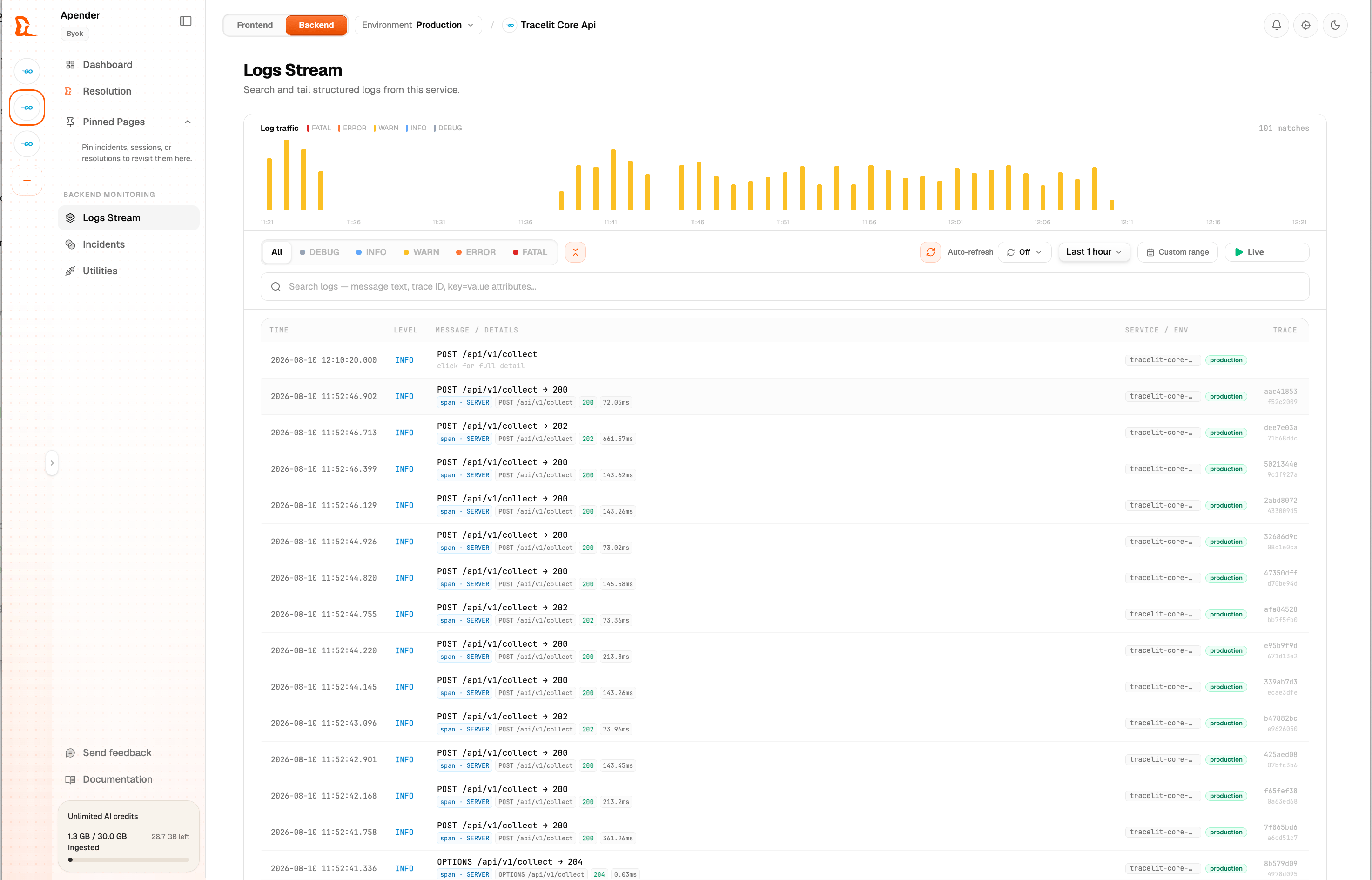
Logs are available in the Logs tab of your service. You can:- Filter by severity, service, environment, and time range
- Full-text search across log bodies and structured fields
- Click any log entry to jump directly to its linked trace
- Tail logs in real time during deploys or incidents