Prerequisites
Before a resolution can run:- GitHub is connected (Settings → Integrations).
- A repository is linked on the site or service under Utilities → Repository.
- Branch mapping is set for Development and Production (and you trust those branches).
- The environment’s Allow resolutions gate is on in Utilities → Environment.
- For backend services, code analysis may also need to be enabled for that environment.
Resolution modes
Configure how aggressive Tracelit should be when proposing fixes (per site / service):
Auto-merge of PRs (if enabled) still respects branch protection and required CI checks. Tracelit never pushes straight to your default branch.
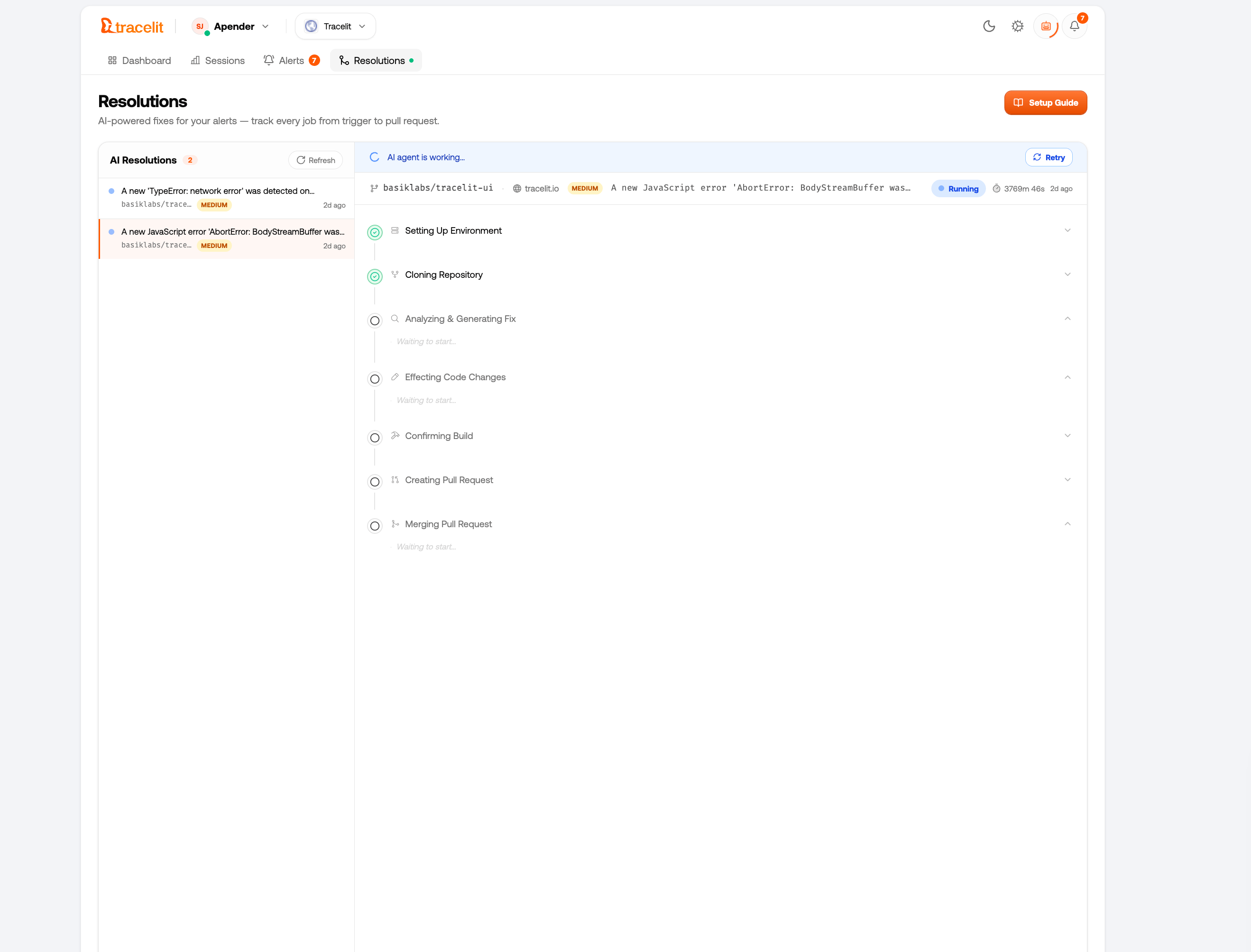
End-to-end steps
1
Incident opens
An error or anomaly creates an incident. Confirm the environment is one you intend to fix (usually Development or Production).
2
Start resolution
From the incident, choose Run AI Resolution (manual mode), or wait for autonomous start when configured.
3
Context gathering
Tracelit loads the incident payload, related logs / traces or session replay, and source files from the linked repo at the mapped branch.
4
Root-cause analysis
The agent identifies the likely failing path and explains the cause in plain language.
5
Patch generation
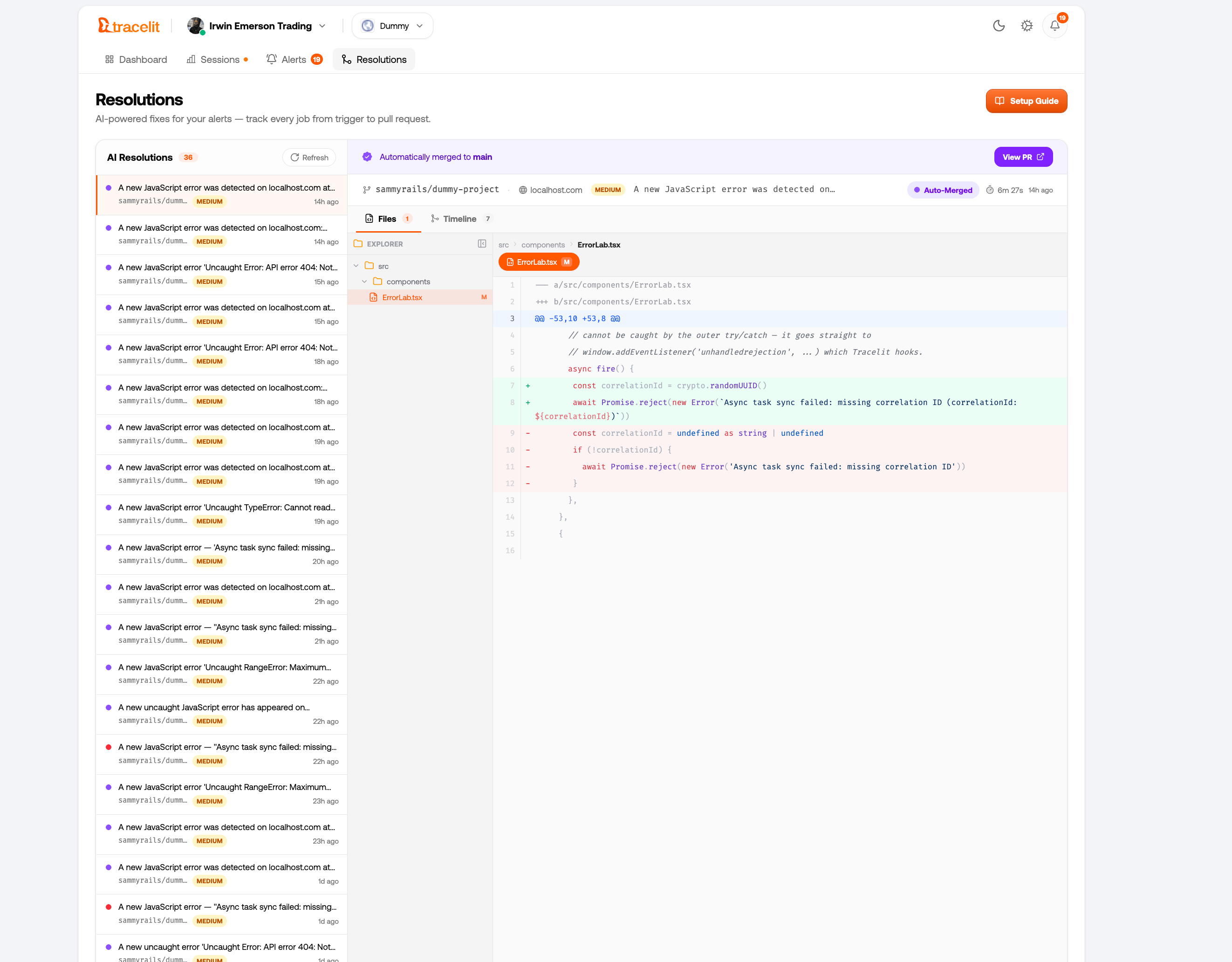
A minimal diff is produced — smallest safe change that addresses the root cause.
6
Pull request
A PR opens on a fresh branch with summary, diff, confidence, and links back to the incident / evidence.
7
Review and merge
You review normally, or allow auto-merge when confidence and CI meet your policy.